
Demo
Roofle demo: watch the meeting copilot for Mac in action.
See live transcription, live notes and suggested questions running from the Mac menu bar. No bot joins the call.
What you will see
Four moments from a conversation.
- 01
Live transcription
Your microphone and the call audio appear line by line, tagged by source. Speech recognition runs on your Mac.
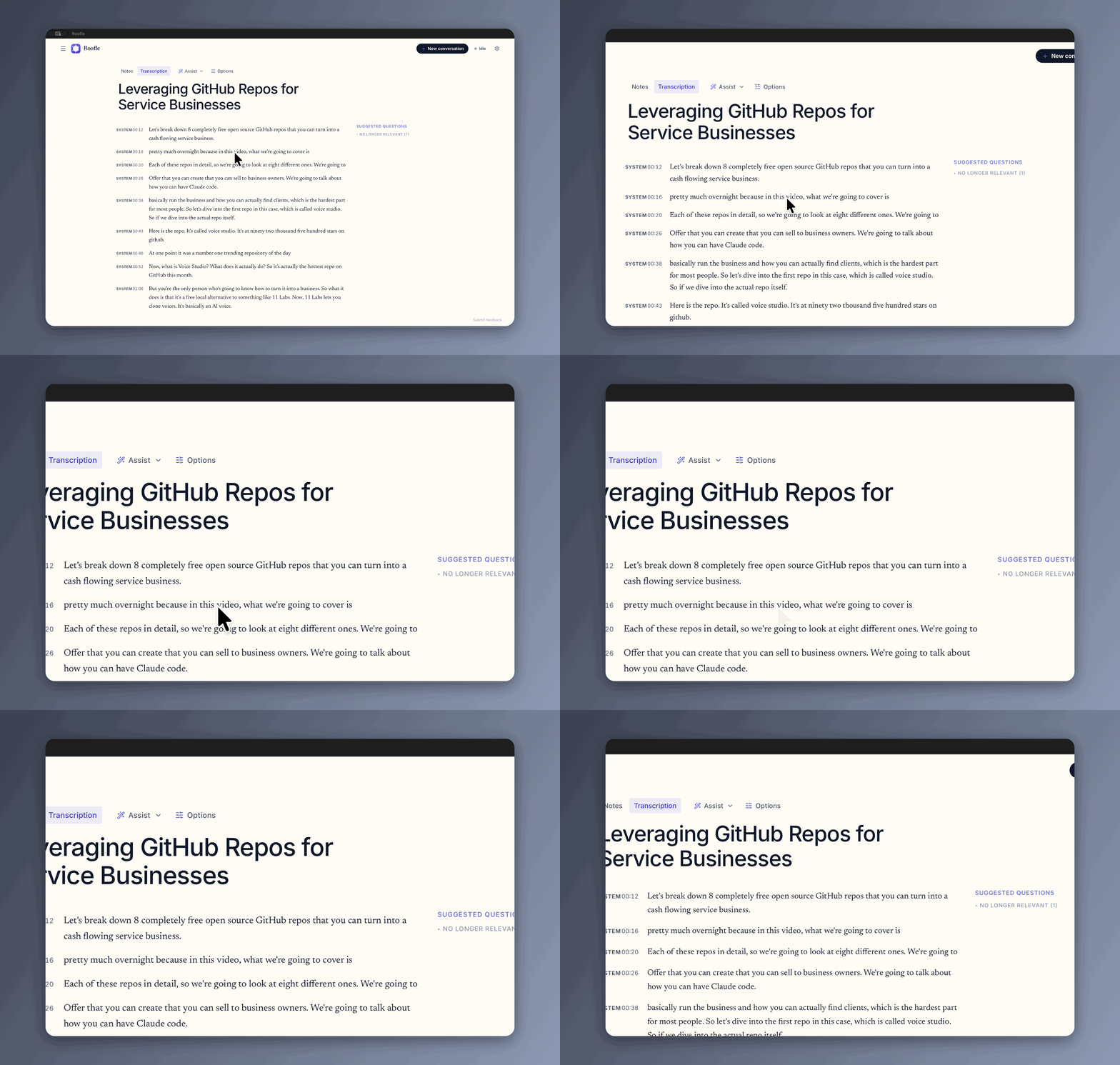
Live transcription in the Roofle app - 02
Live notes
One short notes document is rewritten as the conversation moves: summary, key points, decisions and action items.
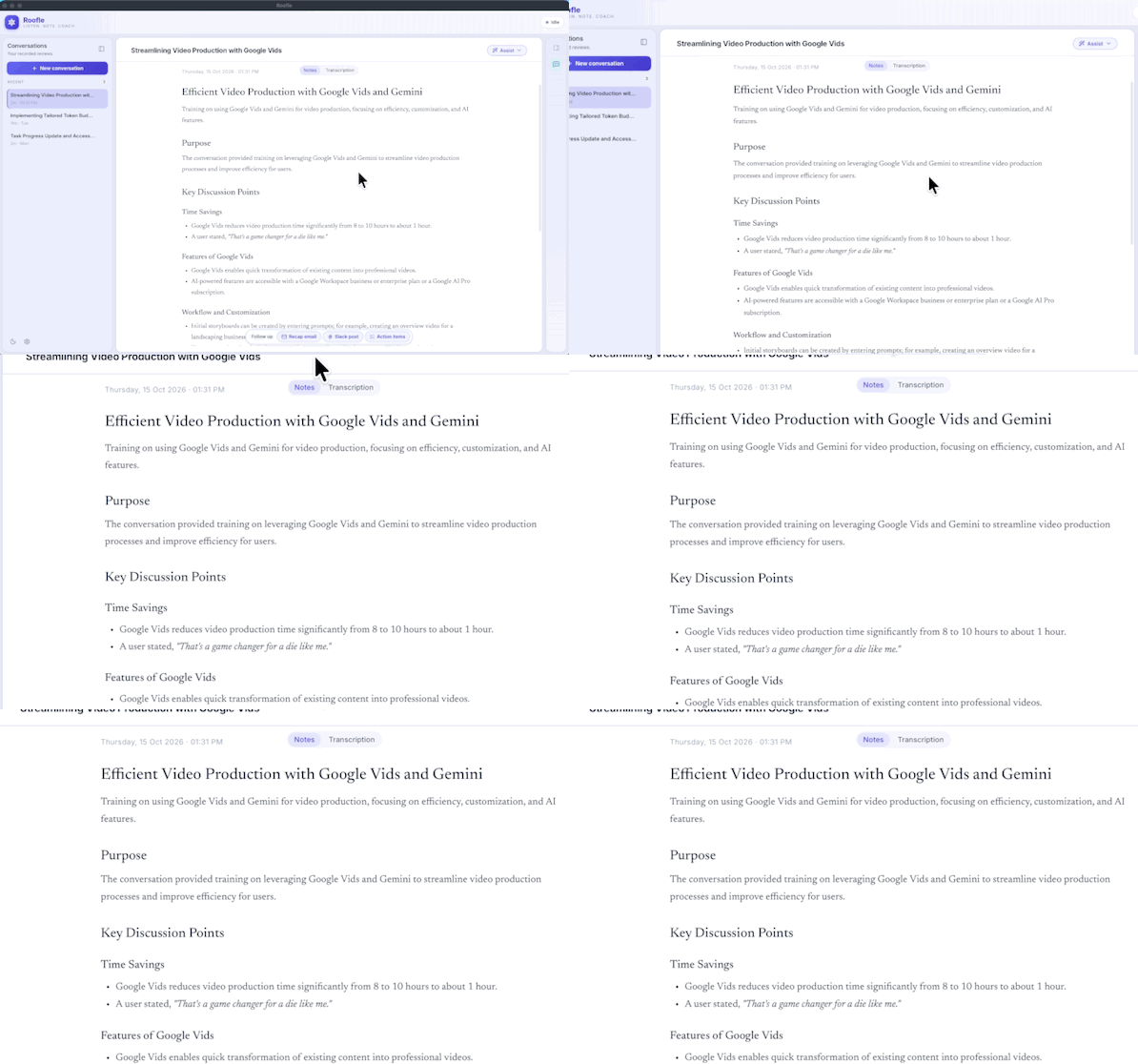
Live notes rewriting themselves during a conversation - 03
A suggested question
When a point stays vague, a notification suggests what to ask and jumps to the line that prompted it.
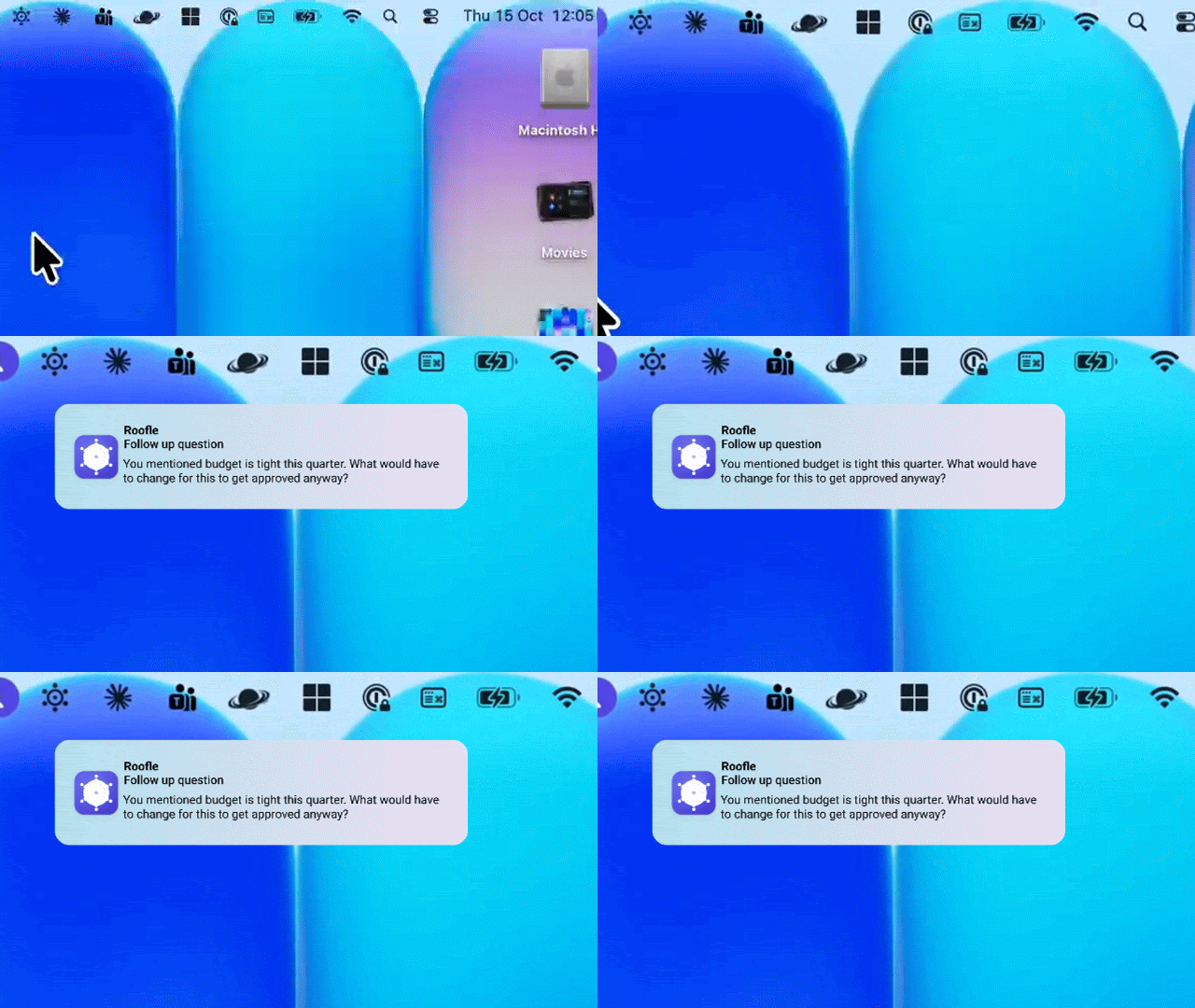
A suggested follow-up question notification - 04
One-click follow-up
After the call, one click lists action items or drafts a follow-up email or Slack message.
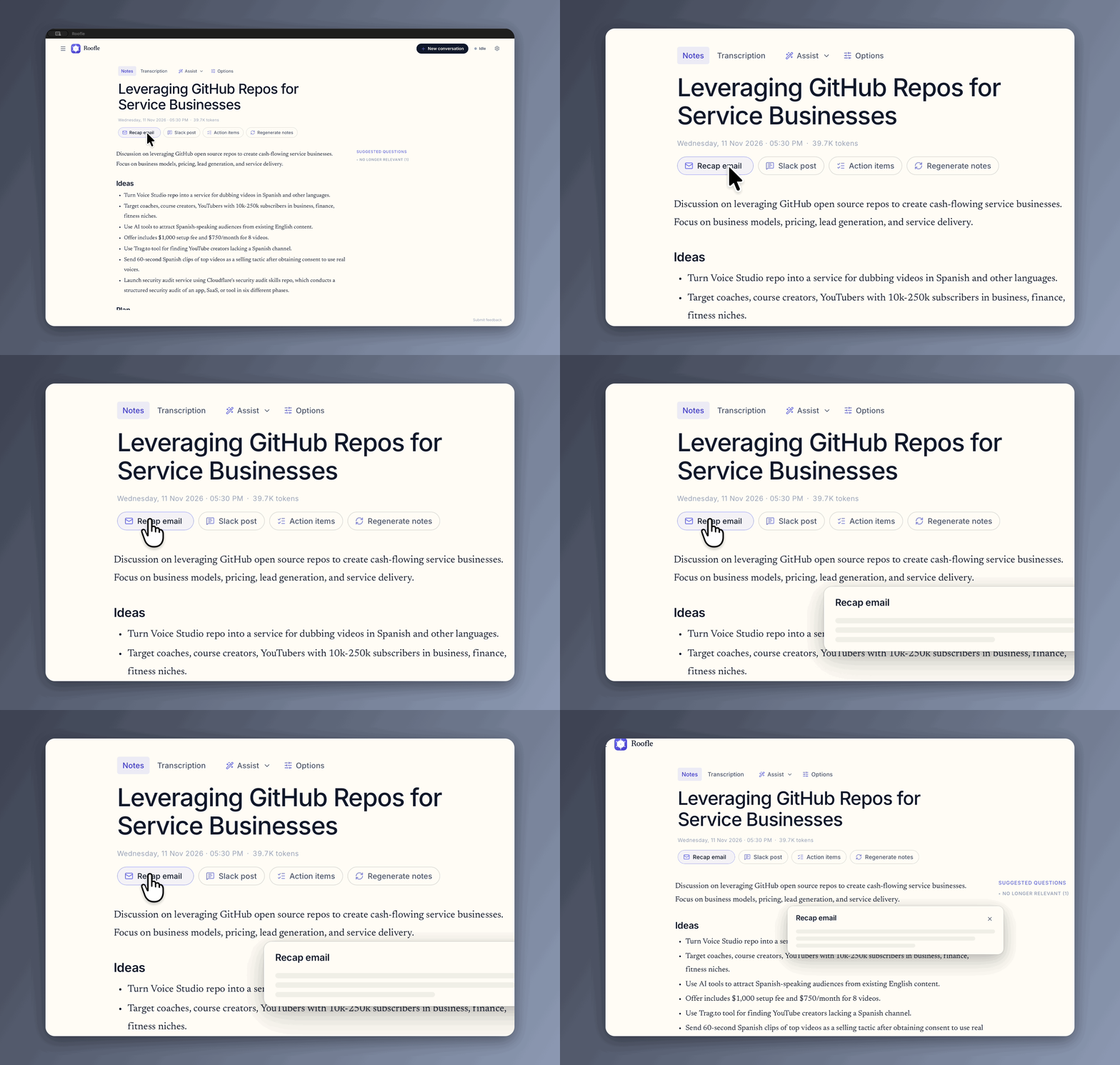
One-click action items after a conversation
More detail: all features, how to start Roofle for a meeting, or Roofle for your role.
FAQ
Roofle demo: questions, answered.
Is the demo a real recording of Roofle?
Yes. It shows the Roofle Mac app running a conversation: live transcript, live notes, a suggested question and a one-click follow-up.
Does a bot join the call in the demo?
No. Roofle runs from your Mac menu bar and captures your microphone and system audio, so nobody extra joins.
Where can I try it?
Download the free Mac app, or read the docs for setup. It needs an Apple Silicon Mac on macOS 13 or newer.